Just another shot of a Monarch butterfly toiling in the neighborhood.

These moments give me joy.
Life on the Wicked Stage: Act 3
Musings on life, the theatre, technology, culture and the occasional emu sighting

Just another shot of a Monarch butterfly toiling in the neighborhood.
These moments give me joy.
Just a quick share of a shot I caught of a Monarch butterfly yesterday.
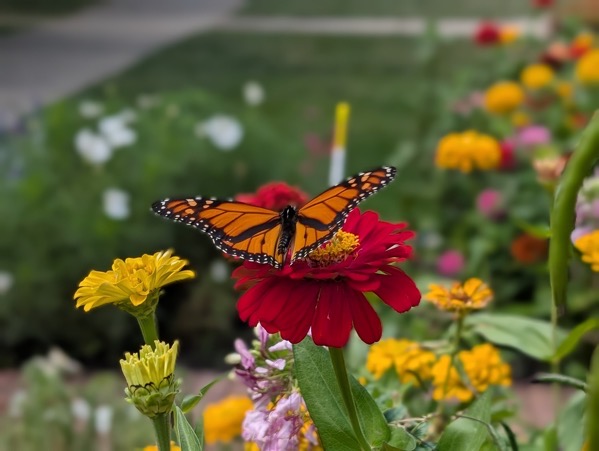
Amazed I was able to catch this full wing spread. FWIW I’ve seen fewer Monarchs and Swallowtails this year than in the last two.
Caught in the act
I happened to look out the back door this morning and caught this squirrel checking out the hula hoops and other back porch detritus. As I pulled out my camera, the squirrel looked back.

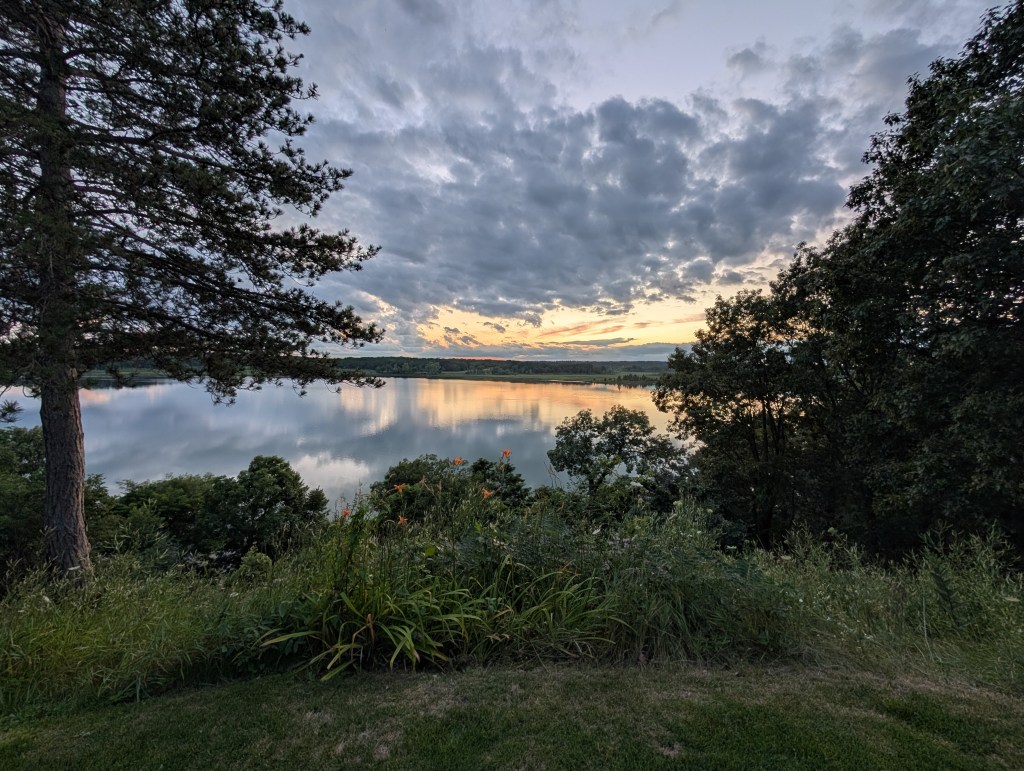
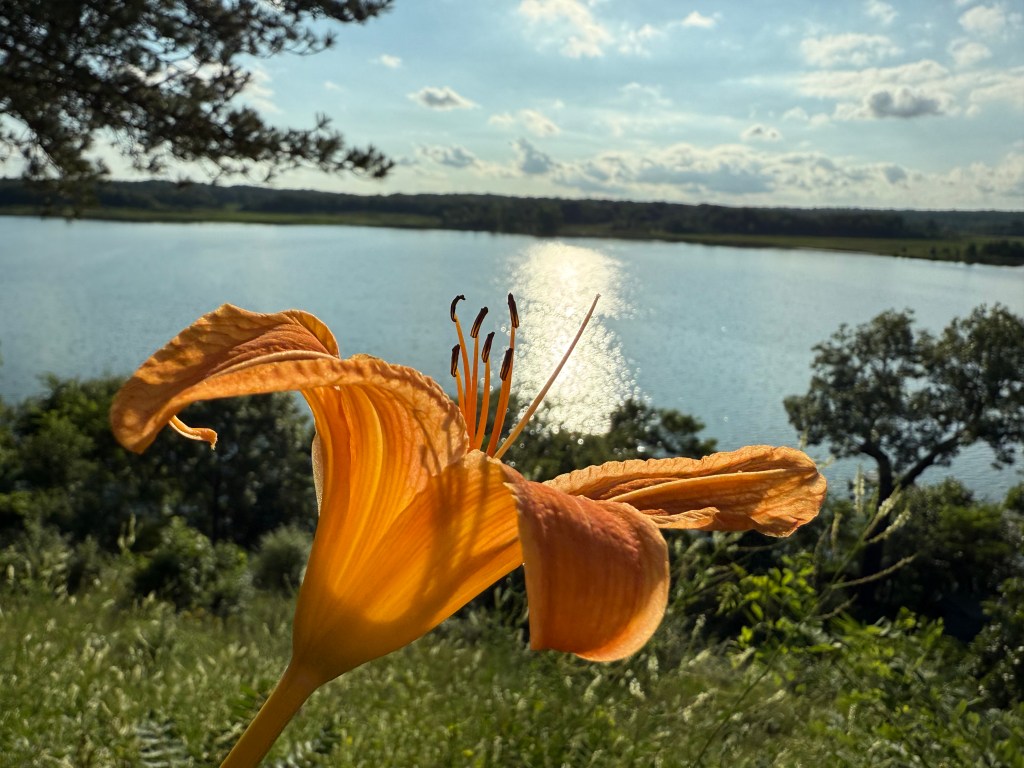
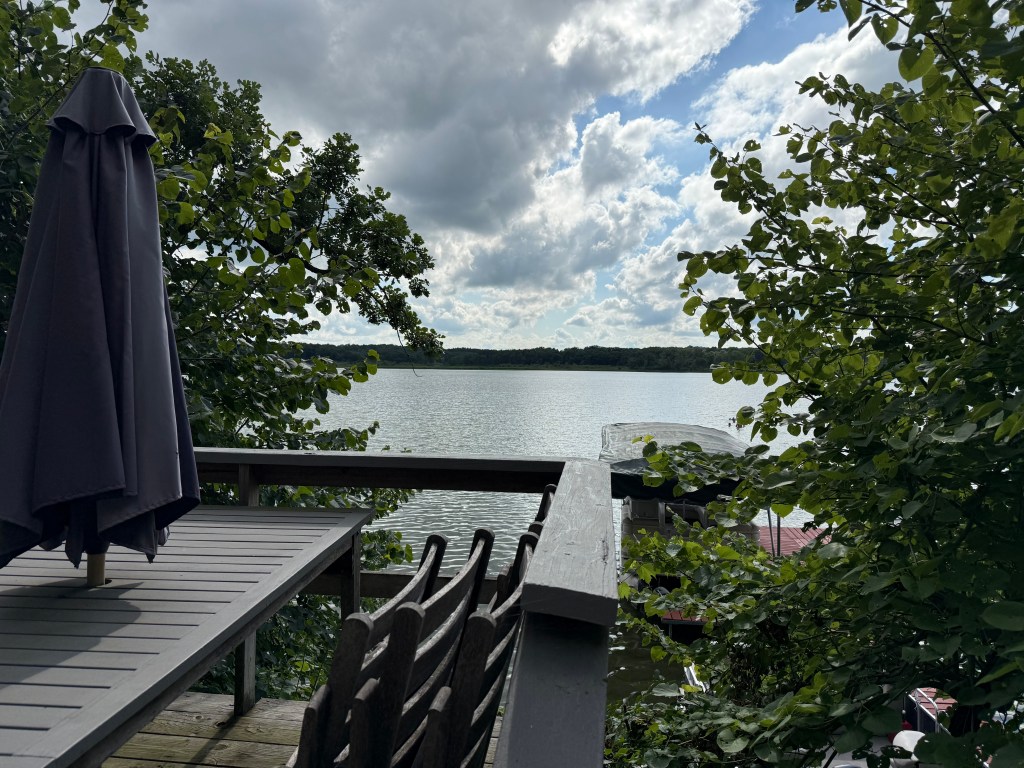
Just a small gallery of photos from a weekend at the lake. Enjoy.
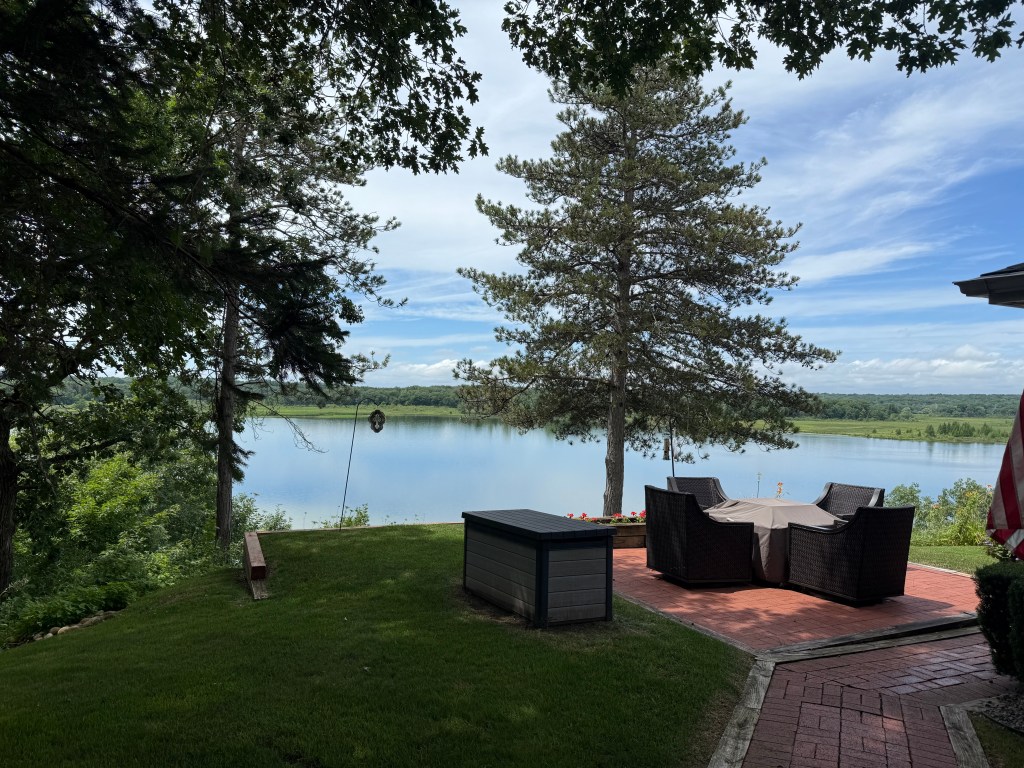
They learn young.
Digital Housekeeping Chores To Start The New Year
Everyone has rituals they follow around the turning of the New Year. For some it’s making resolutions. For some it’s breaking them. Among other household chores and family obligations, those chores include doing some tech cleanup, archiving, and discarding some of the digital detritus that has accumulated over the last year.

I’ll be paying closer attention to cleaning things up during this year’s ritual as I anticipate moving from the M1 iMac 24 I currently own to the M4 version sometime in the first quarter. My iMac is the center of my computing tasks. External storage that I use throughout the year hangs off of that, it’s the one device I use where I don’t Optimize Photo Storage, and I download some, not all, of my music there as well. I can easily fill up 750GB of 1TB of SSD disk space throughout the course of a year, sometimes more.
That external storage contains ongoing archives and backups, as well as ripped (legally) videos I maintain that I can access on other devices, such as the Apple TV at or iPad via the app Infuse. I’m still old fashioned enough in my work habits that if I’m working on a project I keep its files local, even though I may routinely back them up to the cloud so I have access to them if I’m on the road.
Below are some things I do in the week following the turn of the new year.
Clean Up Photos
I take a lot of photos throughout the year, mostly just for fun. Typically I’ll take multiples of the same shot, especially of my grandkids. That means there are a lot of duplicates. I’ll get rid of most of those via manual examination. That happens on my iMac. I don’t quite trust Apple’s deduping process, but I may give that a go this year.
This year Apple vastly improved its search capability in Photos and I find it works quite well. Unfortunately though it delivers the results to what I assume is a “smart album.” Regardless, the problem with that is that you can’t delete a photo or series of photos from that result unless you first enlarge each photo and delete each one directly. You can remove one or multiple photos from the album created, but I would think that possibly changes whatever algorithm Apple is using to group these photos.
As you can see in the image below I take lots of pictures of flowers.
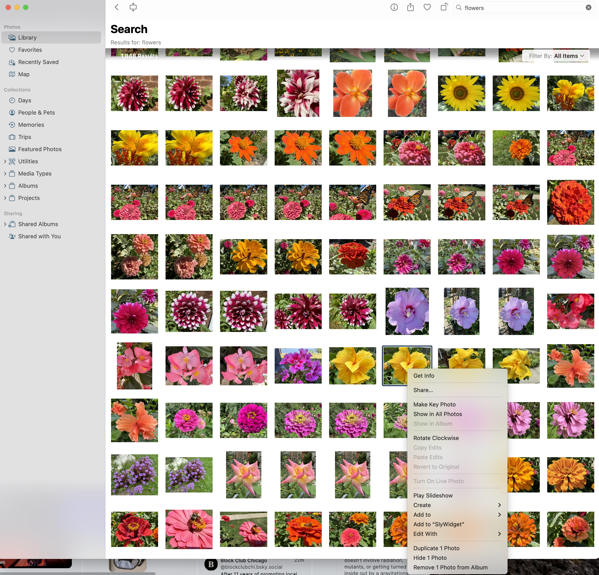
While there are direct duplicates, there are others when I vary the shot slightly enough that it’s not an exact duplicate so any dedupe tool won’t work. Being able to delete those I don’t want from that search result would be a terrific time saver.
Clean Up Videos
With two young grandkids we take a lot of videos. Most of the family uses iPhones so much of what’s taken and shared gets stored in Photos. I’ll go through the videos accumulated there throughout the year and put them on external storage that stays attached to my iMac so as to somewhat reduce the size of my Photo library before it inevitably expands again during the next year. That also allows me to store them alongside the videos from non iPhone family members of nieces and nephews. You never know when you’ll need one of those childhood videos to embarrass a younger relative in front of their significant other in the future.
Change Passwords
Passwords are necessities in our digital lives, though there’s hope that Passkeys will take a firmer hold going forward. That hasn’t happened with many of the websites I use routinely yet and I wish it would. I do change passwords at the beginning of every year as a routine, one I’d love to not have to do. Of course I change various passwords throughout the year as well, which leads to me deleting some that have accumulated throughout the year.
Since I still rely on far too many passwords, I continue to use One Password for password storage, but I am increasingly transitioning to Apple’s new Passwords app. Of course that means I’ve increased my task load of changing passwords this year to make sure what’s stored is properly reconciled between the two apps.
Archive Files
Each year there are always projects I complete and don’t need to have immediate access for those files and assets. I’ll clean up my day-to-day working environment by archiving those files both in the cloud and on local external storage media.
For local storage it’s a multi-year process. I’ll archive files to attached external storage so I can easily retrieve things if the need arises during the next year or so. Once a series of project files have aged two-years I’ll move them to local storage on a drive that is then archived and stored away separately. At some point I’ll have to think about getting rid of some of those older archives on older drives, but I haven’t felt the need (or discovered the patience) to reexamine and accomplish that chore.
For digital archiving I primarily use Dropbox, but I won’t sync those archived files and folders to my desktop going forward. I can always go and fetch them if needed. I’m a little more rigorous with that digital archive in that I examine it for files I can delete every year, and typically delete a good portion of those remaining digital archives two years after a project is completed.
Delete Apps I’m No Longer Using
My pace of downloading apps has slowed down quite a bit, primarily because I seem to think I have most of the tools I need already. That doesn’t mean I won’t try out a new apps each year. A few will stick, but most don’t. I’ll delete those during this digital housekeeping phase. I use Clean My Mac and it provides a good utility for telling me how long it’s been since I’ve used an app, along with the other tools it includes in its suite of utilities.
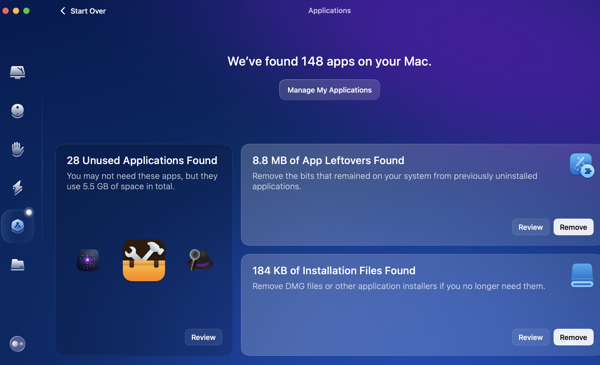
In App Archiving
I use several apps to collect webpages and articles to read later. The two I primarily use are Goodlinks and Instapaper. I used to use Pocket quite a bit for this, but its owner, Mozilla, has essentially ruined that app for me. I’ll go through and delete any articles or links that I’m not interested in keeping and archive those I do want to keep. Instapaper provides a handy archive function. I use tags in Goodlinks to organize what I want to hang on to and a folder structure in Instapaper for things I want to keep quicker access to.
Cancel Subscriptions
Typically I’m pretty on top of things throughout the year regarding the subscriptions I use for apps and services. Even so, I still take an inventory at the beginning of each year. While that rarely leads to a cancellation at that point, it does put me on notice to see if I think a subscription will be worth continuing as the year goes on. I’ll set reminders 10 days before a subscription is due to be renewed and if it hasn’t provided value since the beginning of the year I’ll make sure to cancel or not renew at that point.
Clean Up Contacts
I have to admit I’ve gotten lazy here. I blame Auto-Complete in email and messaging clients, even though they are not always 100% accurate. I’ll still do a quick once through, but I’m afraid my reliance on Auto-Complete in this area has not only made me lazy, but might make me recoil at what I see if I ever had to get serious about this again.
Clean Up Cables
I don’t routinely change cables for the sake of changing them and I am not one of those in a rush to replace the few devices requiring Lightning connectors with newer USB versions. It’ll happen when it happens. But I do check out what I’ve got plugged in and cabled to to make sure everything looks in good working order and to take an inventory on whether or not I need to keep an eye out for deals on any cables I think might need replacing throughout the year. Throughout the last two years I’ve eliminated a lot of cable clutter around my desk by using MagSafe chargers.
Check UPS Status
I review the warranties for the Uninterruptible Power Supplies (UPS) that I use to gauge if any look like they might need to be replaced during the coming year.
Printer Check
We use an Epson ET-2760 EcoTank printer and have for a couple of years now. Our printing needs continue to diminish, but they do come in spurts, and we haven’t ordered ink since we bought the thing. Once a month I’ll check the ink supply and print a few things to make sure everything stays in good working order, but I’ll do a through maintenance check using the printer’s on device tools at the beginning of each year regardless.
Roomba Maintenance
This is a relatively new one. We use a Roomba and it’s now become a part of our Christmas ritual that I give my wife a parts replacement kit that contains filters and brushes as a gift. Not sexy I know, but we both have routine gifts we exchange in a similar fashion.
You can find more of my writings on a variety of topics on Medium at this link, including in the publications Ellemeno and Rome. I can also be found on social media under my name as above.
iPhone 16 Pro Photography and Photographic Styles demo.
I’m always grateful that Apple releases new iPhones in September. It comes during the period when supermarkets are stocking up on pumpkins, gourds and other Cucurbits. Obviously one of the first things you check out on a new iPhone is whatever changes and improvements Apple makes to the cameras, and these colorful counters are a great location to do so.
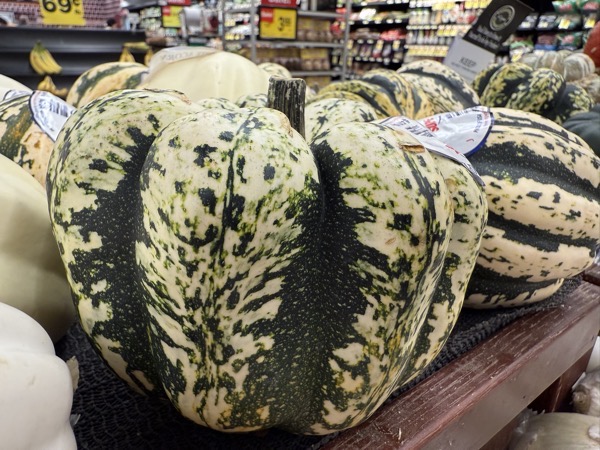 Here’s a few shots taken during a supermarket tour playing around with different camera settings and what Apple now calls Photographic Styles. First up is just a series of photos in a gallery all using the Standard setting.
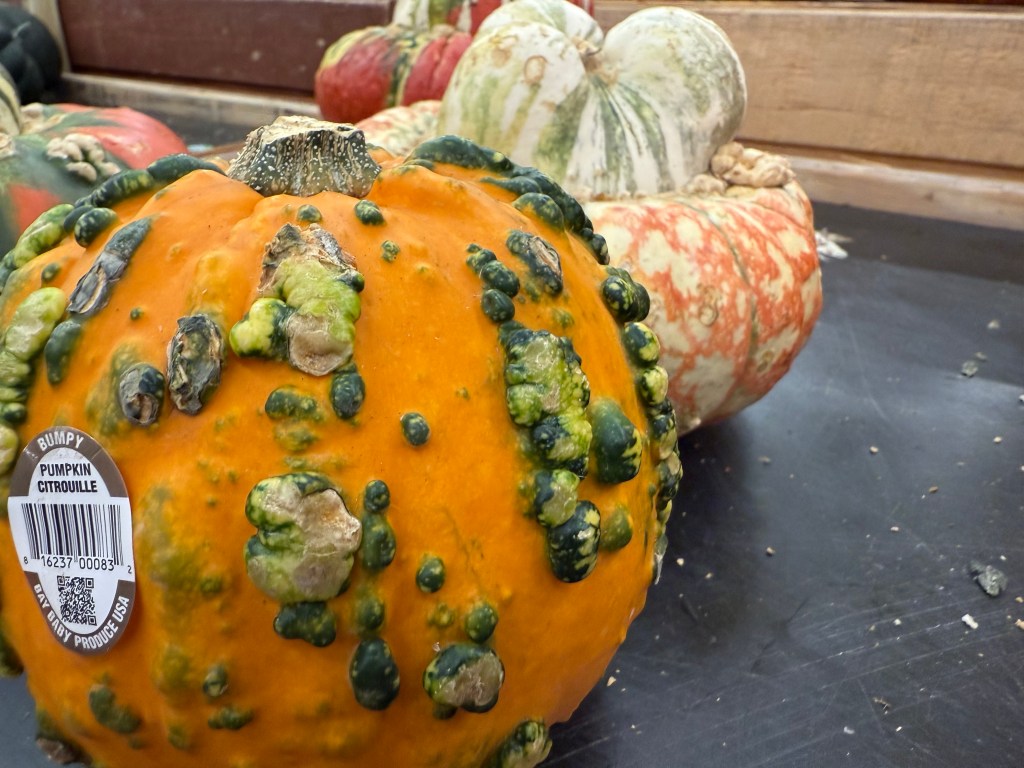

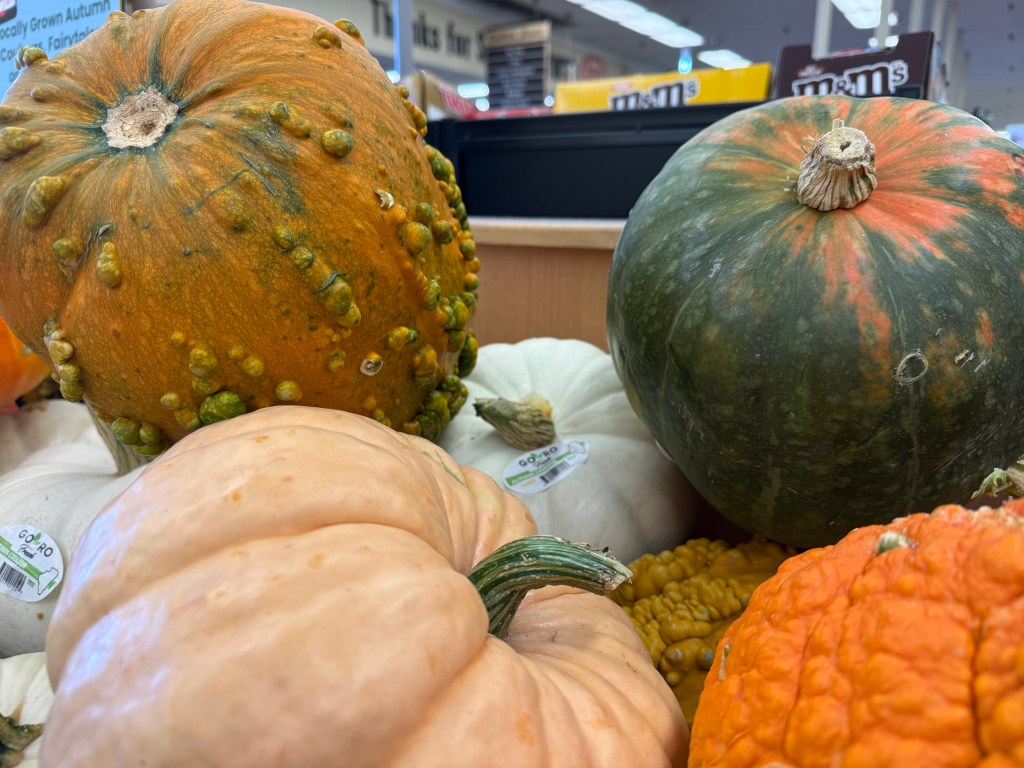

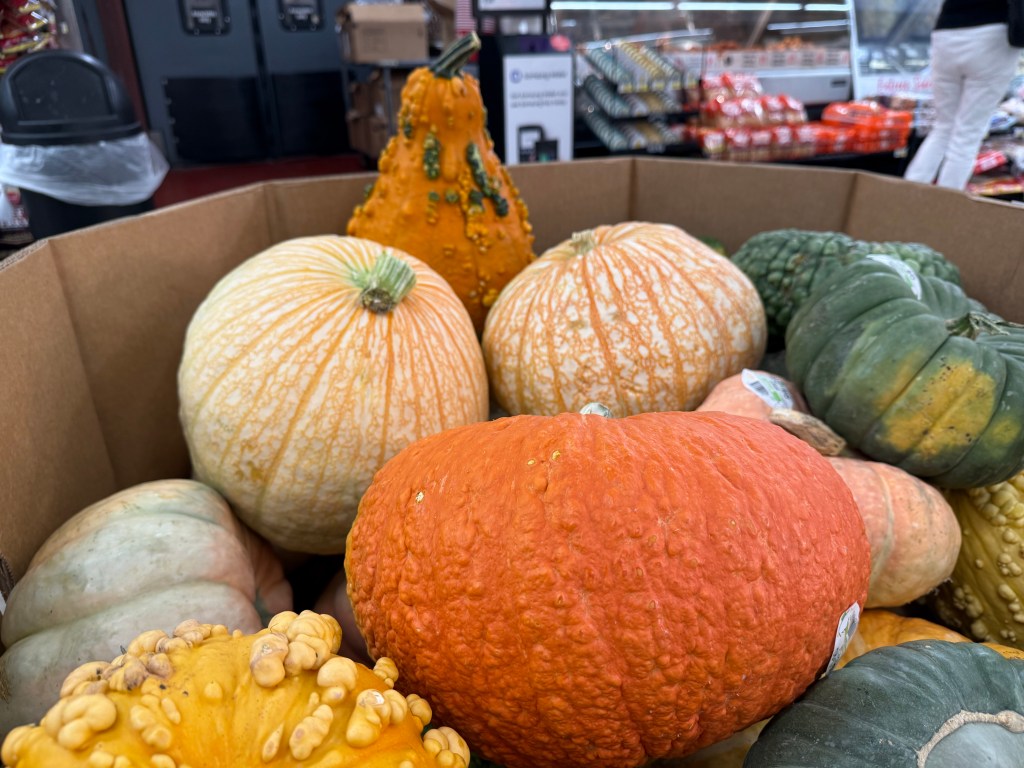
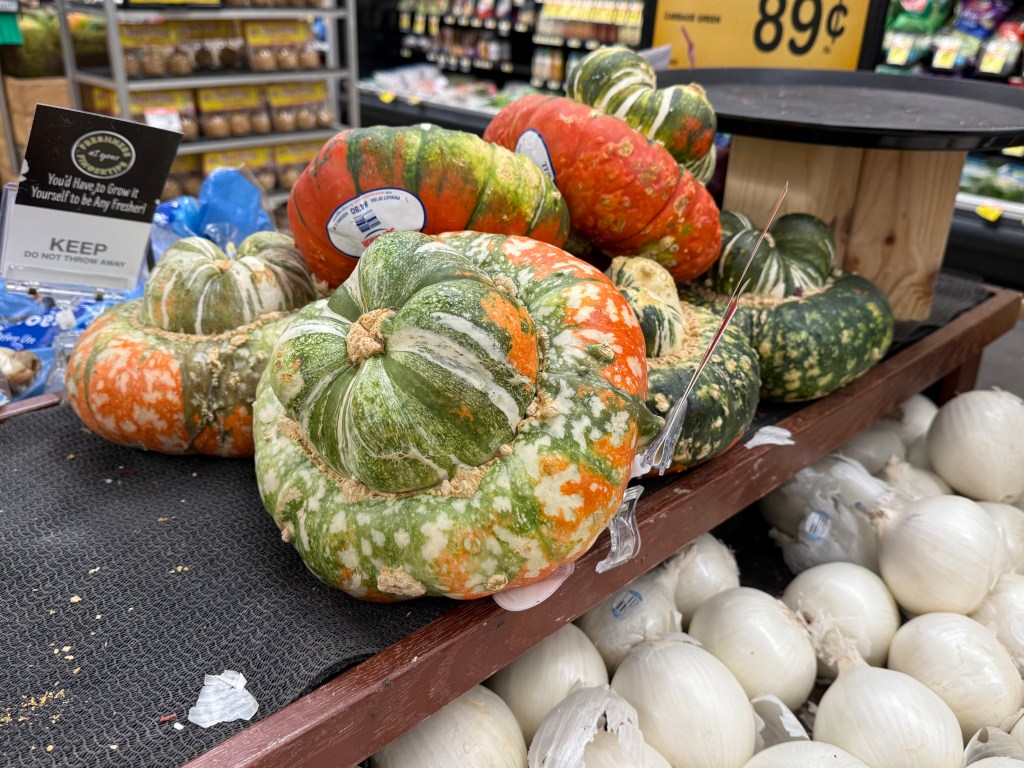
Following the Continue Reading break below are two videos showing off the differences in Photographic Styles Apple offers and more photos.
Continue reading “iPhone 16 Pro Photography and Pumpkins”It’s time to share a little Sunday Morning Reading. Words on Apple, words on politics, words on loss, and some words on photography. Read some words.

This week Apple will hold its annual World Wide Developer’s Conference (WWDC) focusing eyeballs on Cupertino and what everyone expects to be Apple’s big push into the Artificial Intelligence game, now looking like Tim Cook’s version will be called Apple Intelligence. This has been no secret for quite some time. That said, Mark Gurman of Bloomberg seems to have gotten quite a few of the details, whether leaked or planted who really knows, on what’s about to unfold. Check out Here’s Everything Apple Plans to Show at It’s AI-Focused WWDC Event.
As a companion to that check out John Gruber’s take on Gurman’s Epic Pre-WWDC Leak Report. Gruber seems to think it’s indeed a leak and the folks inside Apple aren’t too happy. IYKYK
As I stated the focus will be on AI. I’m thinking it will be just as hard to cleanly view where this is all headed as it has been with announcements from other companies, given that no one has nailed down an AI or LLM that seems to live up to the promises or provide reliably accurate answers. Check out Google’s and Microsoft’s AI Chatbots Refuse to Say Who Won the 2020 US Election by David Gilbert.
Perhaps the best pre-WWDC piece for providing some pre-perspective comes from Om Malik in Apple + AI: What to Expect at WWDC 2024.
Natasha MH has penned a lovely piece about the lives we cherish and the ones taken from us with Weeping For Relationships Made Out of Dreams and Denials. There have been lots of dreams and denials dashed in this last decade. Some very personal and some quite global.
In many ways, Natasha’s piece linked above is a a companion to this David French piece The Day My Old Church Canceled Me Was a Very Sad Day. We’ve gotten far to used to loss and far too accepting of how we’re experiencing so much of it because of the turmoil visited on us by one orange-tinged demagogue. Brenda Wineapple says this is Trump’s Most Dangerous Gift., and that it will never rise to the level of public tragedy. If that’s the case, nothing ever will.
We think it’s all happening to us in the here and now. But while today’s issues are horribly threatening and provoke chatter of Civil War, we’ve had our share of the same from our past. Jon Grinspan takes on a bit of a tour of some long forgotten American history that actually led to our actual Civil War with Long Before the Woke, There Were The Wide Awake.
And as a final Sunday morning palette cleanser check out The 25 Photos that Defined the Modern Age in a piece put together by M.H. Miller, Brendan Embser, Emmanuel Duma, and Lucy McKeon. The pictures are worth thousands of words but the words accompanying the pictures are worth quite a bit as well.
If you’re interested in just what the heck Sunday Morning Reading is all about you can read more about the origins of Sunday Morning Reading here. You can also find more of my writings on Medium at this link, including in the publications Ellemeno and Rome.
On the merry-go-round of life some things we just know. Some things we just know but find that others want to pretend something different. Here are some things we just know.

Donald Trump is a criminal, a rapist, an insurrectionist, a scumbag, a loser, a lousy liar, and more beyond redemption than most of the evil people in recorded history. He’d love to top even that list. He wants to dismantle the US Constitution and any other aspect of governance as long as he can stay out of a prison jump suit that might clash with the color of his makeup while grifting his way to the grave.
The Republican Party is the largest collecton of cowards and liars ever gathered under the guise of a political party, afraid of any shadow with a hint of orange in it, and terrified of the ignorant constiutents they represent and claim to love. They deserve whatever comes from their cowardice and lying. The rest of us don’t.
Elon Musk is a drug-addled fool who just happens to control a few companies, somehow has a national security clearance, a hoard of wealth, and could care less about anything other than for whatever is in his brain at the moment. Or the next.
Too many American voters don’t know which way to turn because either fork in the road seems like a tortured path. Too many American voters need to pay better attention, because if they are not careful they’ll lose the ability to make choose how severe the torture is going forward.
Big Tech isn’t Big Tech anymore. Big tech, like most other human endeavors, is in the Big “Let’s Make All The Money We Can before the merry-go-round stops” game. The merry-go-round always stops.
Artificial Intelligence can be both a boon and a bust. It will be both. You don’t have to be intelligent or real to see that coming.
Social Media can be fun. Social Media can be harmful. In either case, only if you let it.
Wars are destructive, foolish expressions of ego and and desire. Rules and Laws of War are silly made up sing-songs to allow men to destroy each other and anyone in their way in service to those egos.
The Media is a mess of its own making in covering any of the above, and seems to enjoy swimming in its own slop with its mouth agape. Anyone in their right minds would have stopped the bleeding by now. Unless they just enjoy self-harm. But if it bleeds it leads. Even it’s draining the lifeblood out of you.
You can find more of my writings on a variety of topics on Medium at this link, including in the publications Ellemeno and Rome.
Some culture, some politics, some tech, and some fun to share in this week’s Sunday Morning Reading. There’s also a bit of Picasso tossed into the mix. I’m in Memphis starting rehearsals for The Lehman Trilogy at Playhouse on the Square so life’s rhythms are a bit fractured currently, but life’s slower on the Mississippi.

Kicking it off, David Todd McCarty in We Could Be Heroes asks what do we do when mystery no longer sustains us after we’ve moved past enlightenment? I’m thinking the answer is either drink more or drink less. Pick your poison. Also check out his weekday daily columns here.
Susan B. Glaser, Jane Mayer, and Evan Osnos explain How The American Right Came to Love Putin. My $.02? It’s simple. It’s not about Left and Right in the traditional sense. It’s about take what you can because the good guys have proven they can’t really stop you.
Ray Naler in Time Magazine has an excellent piece on Artificial Intelligence called AI and The Rise of Mediocrity. We’ve been rising/sinking to that level for awhile now. The pace is quickening.
Speaking of quickening, what was Twitter continues to quickly plunge into past tense. The Verge has an excellent and fun piece called Elon Musk Killed Twitter from a team of writers.
More and more journalism these days seems to be telling us what we already suspected, already surmised, or already knew. Jodi Kantor and Adam Lipton fill in a few blanks on how the disaster that was the Roe v Wade decision came down in Behind the Scenes at the Dismantling of Roe v Wade.
Jason Snell makes a case for Apple to develop its own clipboard manger for macOS. He’s right.
NatashaMH in The Madness of Pablo takes a walk into the wildside with Pablo Picasso.
Continuing on the art beat to wrap things up this week, have you ever asked What’s With Those Hilarious Medieval Portrayals of Animals? Well Elaine Velie did and wrote all about it.
If you’re interested in just what the heck Sunday Morning Reading is all about you can read more about the origins of Sunday Morning Reading here.


 Life on the Wicked Stage: Act 3