
Whenever Apple or any of the other major platforms release their annual operating system updates there’s always a period of adjustment for users and developers. Developers have to contend with the changes and sometimes that leaves users fumbling around trying to get back to what they were used to prior to the OS update.
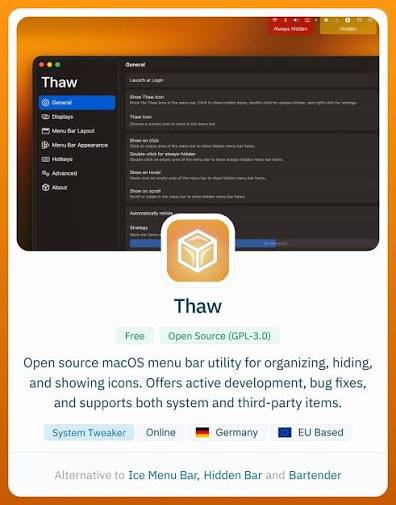
That’s certainly the case with Menu Bar Managers on the Mac.
For some time Apple has been trying to steer developers away from placing apps in the Menu Bar. That hasn’t worked. In large part that has to do with just how problematic a large number of Menu Bar apps can appear (or disappear) on Macs with a notch. Most recently Apple tried to encourage app developers to use the Control Panel to provide users with quick access, but that seems to have been mostly another vain plea.
Menu Bar Managers have allowed users to fill up their Menu Bar with apps and choose to hide apps they mostly access once in a while or don’t want to see.
As an example I don’t need to see the Time Machine menu bar app all of the time, but want it handy to check on the progress of a backup if needed. Having it hidden, one click on the Menu Bar reveals it for me to check that progress.
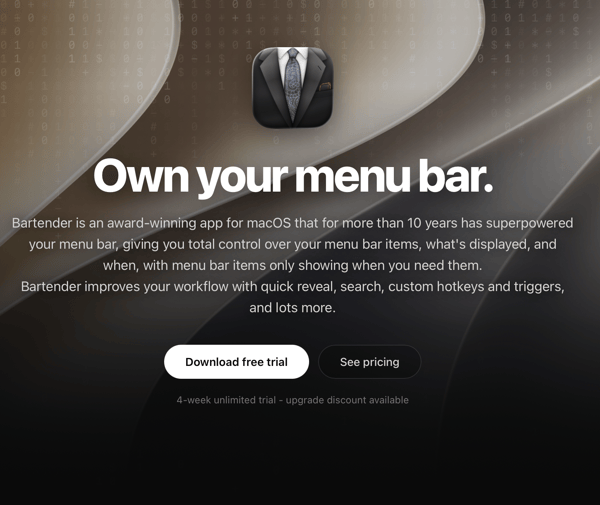
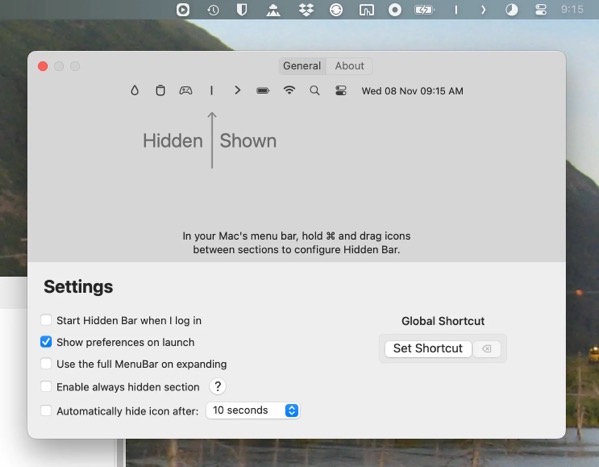
Prior to macOS 26 there were a few Menu Bar management apps that worked well, Bartender and Hidden Bar being seen as favorites among many. After Bartender was sold, creating some ill will among users, a few others popped up including Ice. That developer stopped work on the utility, but it was taken up by Jordan Baird who built on it and created Thaw, which when it debuted looked like a good alternative. I’m still rooting for the Jordan to get things worked out.
In my experimentation none of the Menu Bar Managers currently work or work well enough with macOS 27 Golden Gate, and most are still in various states of disrepair on macOS 26.
You can blame the developers of these apps. To an extent that’s warranted. But they are trying. In my opinion it feels like they are swimming upstream because the fault lies with Apple. The frameworks, if that’s what they’re called, are obviously out of whack in whatever state of change Apple is trying to introduce. Apple tried what amounted to tweaks in macOS 26 that largely didn’t work, and has tried again in macOS 27. What’s there in the latest tweak is indeed cleaner, but it is still woefully insufficient, pointing to a serious lack of attention to what, for some, is a key part of the Mac experience.
Like other aspects of Apple computing you can see and feel the tension and the conflict. You could argue Apple has created an environment of too much of a good thing, that eventually tips over to problematic. On iPhones and iPads, app discovery became such a pain that Apple eventually created the App Library and many users simply resorted to searching for their apps in Spotlight. Settings on Macs and mobile devices have proliferated and become so unwieldy that I doubt anyone or any AI attempt will ever be able to create something coherent. Likewise, Notifications still and probably always will be a mess.
I do have some smidgen of sympathy for Apple. These are systems with APIs that Apple created, opening the door for developers to rush in, starting a party that quickly became overcrowded and out of control. It’s like a small town police force trying to arrest all of the out-of-control and overflowing partygoers, but having insufficient cell space to put them. It’s been out of control for so long that any major change to try and correct the issues would result in significant problems in and of themselves.
Apple is no small town, though. A lot of things were cleaned up in Golden Gate. That’s good. Going further, cleaning up the Menu Bar app mess, even if that leads to unpopular decisions, needs to happen. Otherwise it’s a messy smear on the look, feel, and functionality of the Mac.
Thanks for reading. You can subscribe to this blog if you care to. You can also find more of my writings on a variety of topics on Medium at this link, including in the publications Ellemeno and Rome. I can also be found on social media under my name as above. This site does not use affilate links.


