
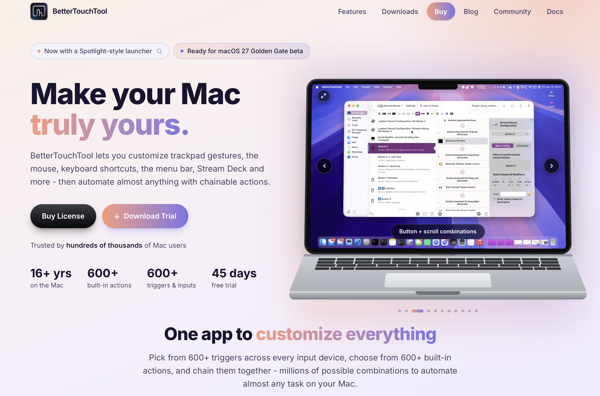
BetterTouchTool is an excellent Mac utility that I’ve been using almost as long as I’ve been using Macs. It lets you customize your Mac’s keyboards, trackpads, or mouse by adding actions to keyboard combinations, gestures, and mouse moves. And so much more. Believe me when I say the combinations of what you can do with this utility seem endless.
The developer, Andreas Hegenberg, is constantly taking feedback from the BTT community and cranking out updates with something new. The most recent addition is something that I’ve always thought should have been a part of macOS from the get go.
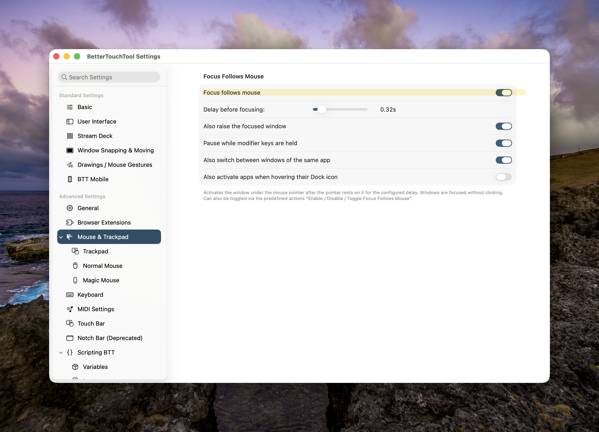
The control, which you can turn on in BTT settings, is called Focus Follows Mouse. It also works with trackpads. Simply put, as you move your pointer over a window, that window pops into focus under your pointer. You can configure the setting a number of ways including the timing of when the action occurs. If you use multiple displays it also helps shift focus between those displays as you move your mouse over a windows on each of the displays.
It’s just another in a long list of automation capabilities that BetterTouchTool offers. Given that there’s a very generous 45 day free trial, if you’re a Mac user you owe it to yourself to check it out.
Thanks for reading. You can subscribe to this blog if you care to. You can also find more of my writings on a variety of topics on Medium at this link, including in the publications Ellemeno and Rome. I can also be found on social media under my name as above. This site does not use affilate links.

 Life on the Wicked Stage: Act 3